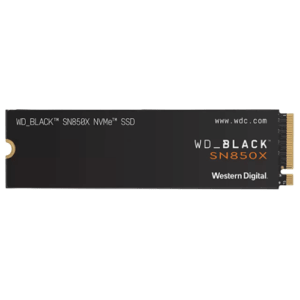
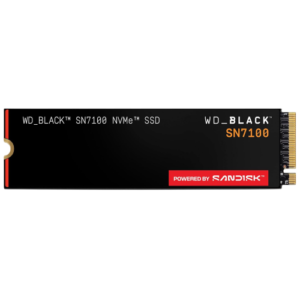
Buy SSD Online in India at Best Prices – SATA, NVMe, Gen4 & Gen5 Solid State Drives
Welcome to the ultimate destination for ultra-fast solid state storage solutions. Whether you want to speed up your office laptop, reduce game loading times, accelerate video editing workflows, or build a next-generation gaming PC, upgrading to an SSD is the smartest and most impactful performance upgrade available today.

Buy SSD Online - storagehub.in
At StorageHub.in, we bring you premium SSD storage devices at highly competitive prices. As a trusted online IT hardware destination, we offer 100% genuine SSDs sourced directly from leading global brands. Explore our massive collection of SATA SSDs, NVMe SSDs, PCIe Gen4 SSDs, and latest Gen5 high-speed drives for desktops, laptops, workstations, gaming systems, and enterprise environments—all backed by official manufacturer warranties and fast delivery across India.
Why Upgrading to an SSD Matters
Traditional hard drives (HDDs) rely on spinning mechanical disks, while Solid State Drives (SSDs) use advanced flash memory technology to deliver dramatically faster performance, lower latency, and improved reliability.
Key Performance Benefits:
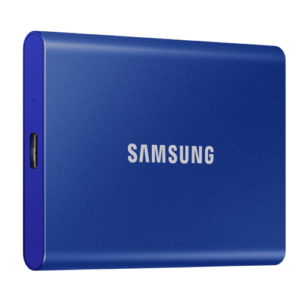
Lightning-Fast Boot Times
Start your Windows system in seconds instead of minutes.
Instant Application Loading
Launch heavy software, games, and creative applications almost instantly.
Faster Gaming Performance
Reduce game loading screens, texture rendering delays, and installation times.
Smooth Multitasking
Handle multiple applications simultaneously without lag or slowdowns.
Better Reliability
SSDs contain no moving parts, making them more shock-resistant and durable compared to HDDs.
Improved Battery Life
Laptop SSDs consume less power, helping improve battery efficiency.
Silent Operation
Enjoy completely noiseless performance with zero mechanical vibration.
Buy SSD Online by Storage Interface
Not all SSDs are the same. Choosing the correct interface and form factor is essential for maximum compatibility and performance.
[ SSD Categories ]
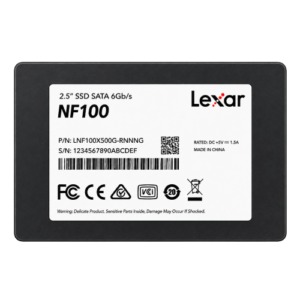
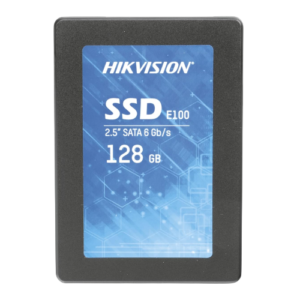
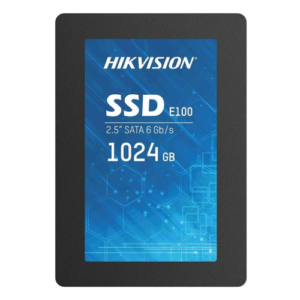
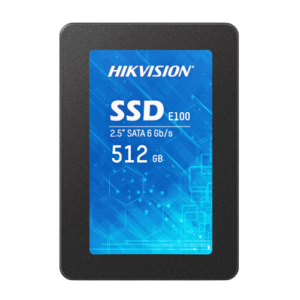
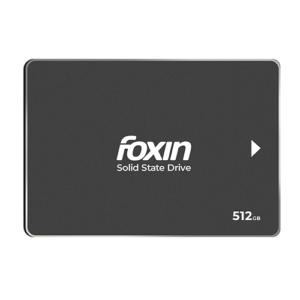
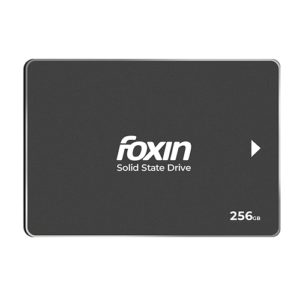
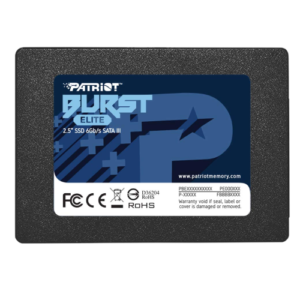
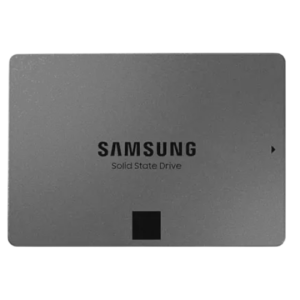
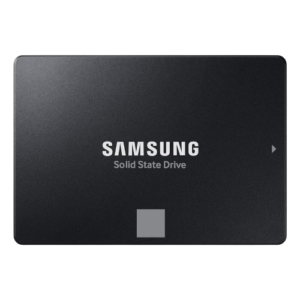
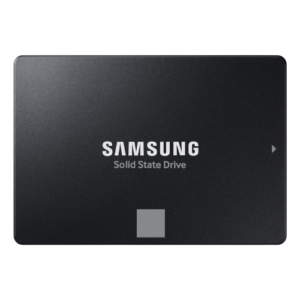
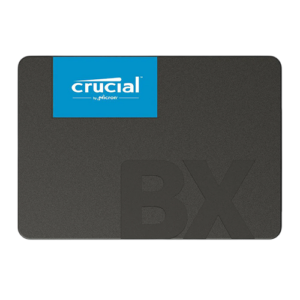
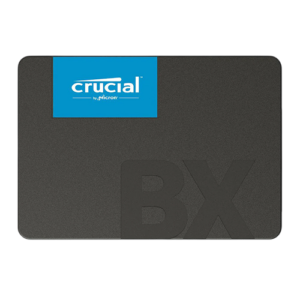
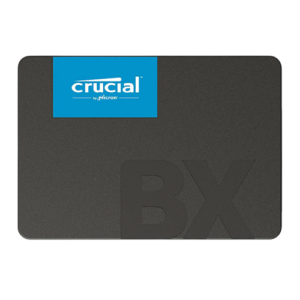
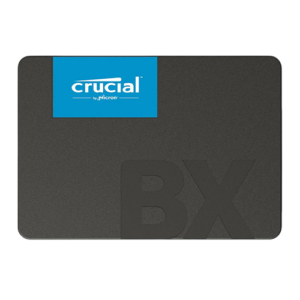
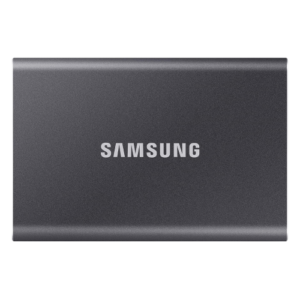
1. SATA SSD (2.5-Inch)
SATA SSDs are the most popular upgrade choice for older desktops and laptops currently using traditional hard drives. They provide massive speed improvements while remaining budget-friendly.
Best Used For:
- Office desktops
- Business laptops
- Home PCs
- Everyday productivity
- Faster boot drives
Popular Searches:
Buy SATA SSD online, best SSD for laptop upgrade, affordable SSD India.
2. M.2 SATA SSD
M.2 SATA SSDs provide SATA-level speeds in a compact form factor designed for ultrabooks, thin laptops, mini PCs, and compact systems.
Best Used For:
- Slim laptops
- Compact systems
- Mini PCs
- Lightweight office devices
Popular Searches:
Buy M.2 SATA SSD, laptop M.2 SSD India, compact SSD online.
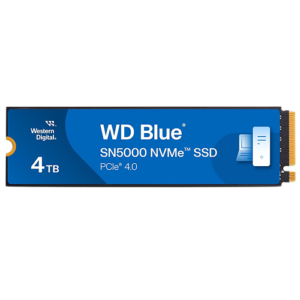
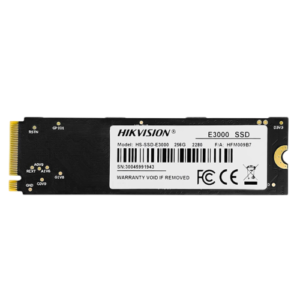
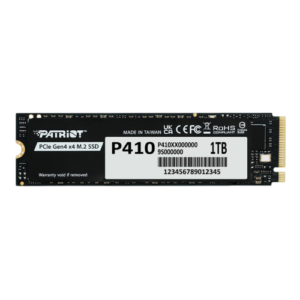
3. NVMe SSD (PCIe SSD)
NVMe SSDs utilize PCIe lanes instead of traditional SATA connections, delivering significantly faster read/write speeds and ultra-low latency performance.
Best Used For:
- Gaming PCs
- Video editing
- 3D rendering
- Software development
- Heavy multitasking
Popular Searches:
Buy NVMe SSD online, high-speed PCIe SSD India, gaming SSD best price.
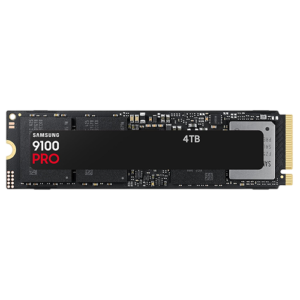
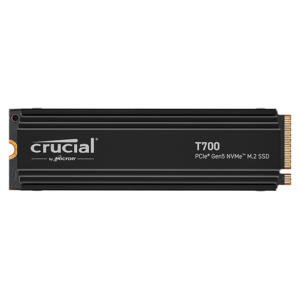
4. PCIe Gen4 & Gen5 SSD
Gen4 and Gen5 SSDs represent the latest generation of ultra-high-speed storage technology. These drives are designed for extreme gaming systems, AI workloads, enterprise workstations, and professional content creation.
Best Used For:
- 4K/8K video editing
- Professional rendering
- Competitive gaming
- AI workflows
- Enterprise systems
Popular Searches:
Buy Gen4 SSD online, PCIe Gen5 SSD India, ultra-fast SSD for gaming.
SSD Buying Guide: How Much Storage Do You Need?
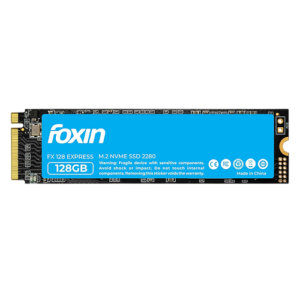
128GB SSD – Basic Usage
Best Used For:
Light office work, simple Windows installations, and entry-level systems.
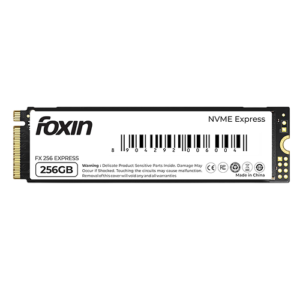
256GB SSD – Everyday Computing
Best Used For:
Office productivity, online learning, web browsing, and daily applications.
512GB SSD – Balanced Performance
Best Used For:
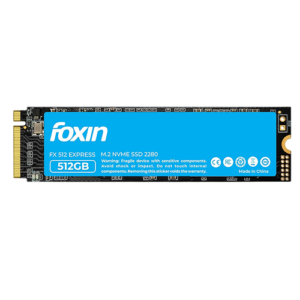
Gaming, multimedia storage, content creation, and multitasking.
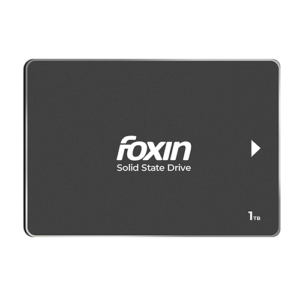
1TB SSD – Modern Sweet Spot
Best Used For:
AAA gaming libraries, professional workloads, video editing, and creators.
2TB & Above – Professional Storage
Best Used For:
Large-scale editing projects, enterprise workloads, virtualization, AI datasets, and heavy content production.
Technical Comparison: SATA vs NVMe SSD

SATA vs NVMe SSD - storagehub.in
Authorized Online Store for Top Global SSD Brands
At StorageHub.in, we supply only genuine SSD products sourced through authorized distribution channels.
Kingston & Kingston FURY
Reliable storage solutions ranging from budget SATA SSDs to high-performance NVMe gaming drives.
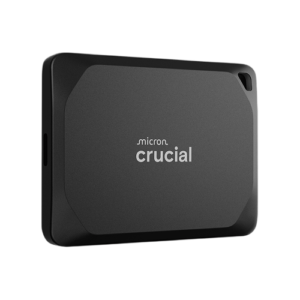
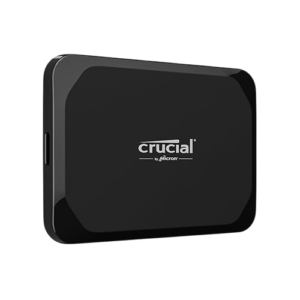
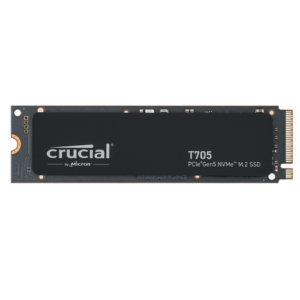
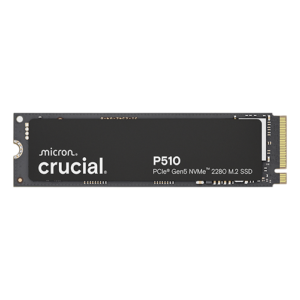
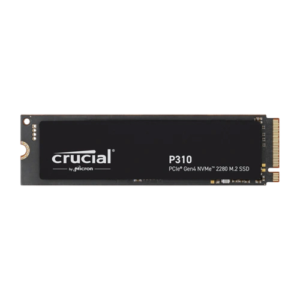
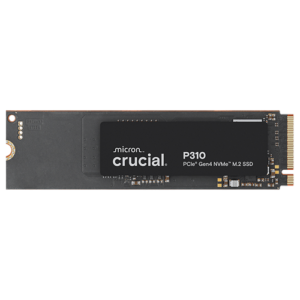
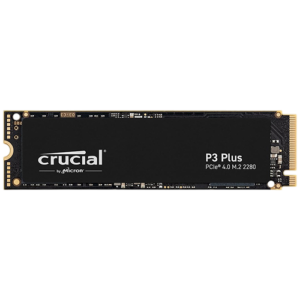
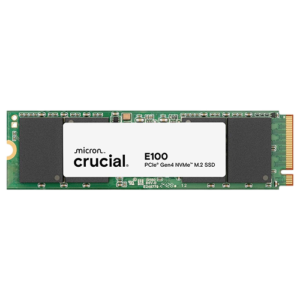
Crucial
Powered by Micron technology, Crucial SSDs offer exceptional reliability and compatibility.
Samsung
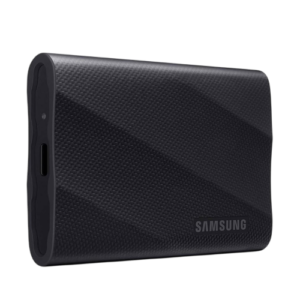
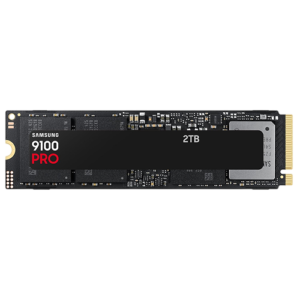
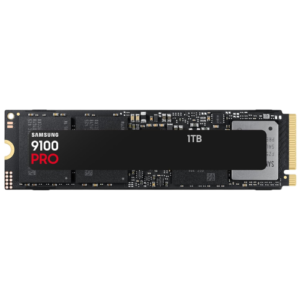
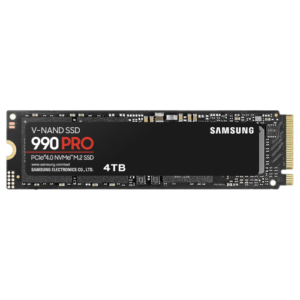
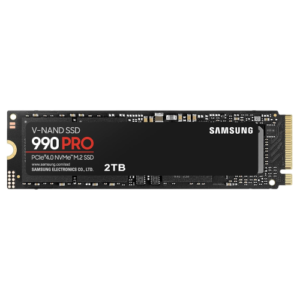
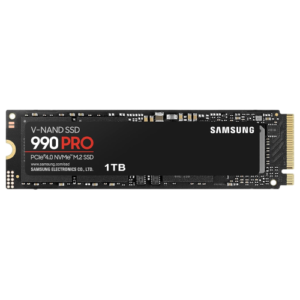
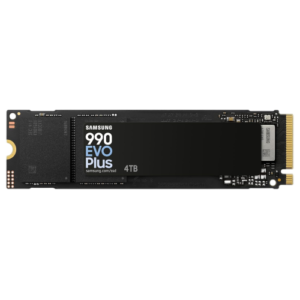
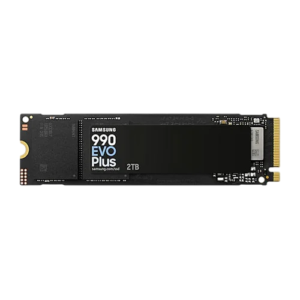
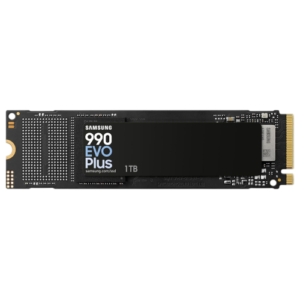
Industry-leading SSD performance with flagship models like Samsung 990 PRO and EVO series drives.
WD & WD_BLACK
Trusted storage solutions for both professionals and gamers with excellent endurance ratings.
Corsair
High-speed PCIe Gen4 and Gen5 SSDs built for extreme gaming and workstation performance.
Adata & XPG
Excellent value-for-money SSDs delivering high performance at competitive prices.
Seagate
Reliable gaming and enterprise storage solutions with strong endurance and thermal efficiency.
TeamGroup
Performance-focused SSDs designed for gaming rigs and heavy workloads.
How to Check SSD Compatibility Before Buying
Before purchasing an SSD online from StorageHub.in, verify the following compatibility factors:
Check the SSD Slot Type
Ensure your motherboard or laptop supports SATA, M.2 SATA, or NVMe PCIe SSDs.
Verify PCIe Generation Support
Installing a PCIe Gen5 SSD on a Gen4 motherboard will work, but the SSD will run at Gen4 speeds.
Confirm Physical Form Factor
Common SSD sizes include:
- 2.5-inch SATA SSD
- M.2 2280 SSD
- M.2 2242 SSD
Review Storage Capacity Limits
Some older laptops and BIOS versions may have storage capacity limitations.
Ensure Proper Cooling
High-performance Gen4 and Gen5 SSDs may require heatsinks for thermal management.
Frequently Asked Questions (FAQ) – Search Optimized
Q1: Is SSD better than HDD?
Yes. SSDs are significantly faster, more reliable, quieter, and more power-efficient than traditional HDDs.
Q2: Can I use an SSD in an old laptop?
In most cases, yes. Replacing an old HDD with a SATA SSD is one of the best upgrades for improving laptop performance.
Q3: What is the difference between SATA SSD and NVMe SSD?
SATA SSDs use the SATA interface and are limited to around 550 MB/s, while NVMe SSDs use PCIe lanes and can deliver speeds exceeding 7000 MB/s or more.
Q4: How long does an SSD last?
Modern SSDs typically last many years under normal usage conditions. Most premium SSDs come with endurance ratings and official manufacturer warranties.
Q5: Is it easy to install an SSD?
Yes. Installing a 2.5-inch SATA SSD or M.2 NVMe SSD is generally simple and can be completed in minutes with basic tools.
Upgrade to SSD Speed Today
Do not let slow storage hold back your productivity, gaming performance, or creative workflow. Browse the complete SSD collection at StorageHub.in today and experience ultra-fast boot times, seamless multitasking, and next-generation storage performance.